
Best VPS for OpenClaw (2026): Sizing and Security Checklist
What a VPS for OpenClaw and AI agents needs: root and SSH keys, a firewall, disk for logs, sizing by workload, and when managed OpenClaw hosting is the safer path.
What is the best VPS for OpenClaw?
The best VPS for OpenClaw is a private Linux server with root access, SSH key authentication, explicit firewall control, enough disk for logs and workspace files, and a clear upgrade path when agent workloads grow. For most teams, the important question is not "which VPS is cheapest?" It is whether the server can safely hold the OpenClaw gateway, provider keys, channels, files, logs, and one layer of model routing without turning into a fragile side project.
If you are comparing openclaw vps, agent vps, best vps for openclaw, or vps for ai agents, start with the operating boundary. A good VPS keeps the agent runtime separate from your laptop, lets you restrict inbound access, and gives you one place to inspect restarts, secrets, files, and routing behavior.
In practice, the best VPS for AI agents is the one that stays understandable after the first real automation goes live. That means predictable storage, visible logs, controlled network exposure, and a clean path to grow from one agent into multiple tools, channels, and providers.
Quick answer
Choose a self-hosted VPS when your team wants direct server control and can operate Linux responsibly. Choose managed OpenClaw hosting when you want the same private runtime boundary, BYOK path, files, terminal, and channels without assembling the whole stack yourself. Keep OpenClaw local only for experiments, short demos, or development sessions that do not need persistent uptime.
If you want the shortest buying answer: a good agent VPS is usually a small private Linux server with root access, 24/7 uptime, disk for logs and generated files, and a firewall you can actually understand six weeks later.
The safest first OpenClaw VPS checklist is:
- dedicated Linux VPS or equivalent private server
- root or admin access
- SSH keys only, with password login disabled
- default-deny firewall posture
- persistent storage for logs, files, and generated outputs
- enough RAM headroom for the gateway, channels, and future model routing
- a backup or rebuild path you have tested once
Which VPS option should you pick first?
| If your real need is... | Start with | Why |
|---|---|---|
| A cheap place to test OpenClaw for a short period | Local machine or a tiny VPS | Good for learning, but not a stable long-term boundary. |
| A private runtime you can secure and operate yourself | Self-hosted VPS | You own the gateway, firewall, backups, and update policy. |
| A private hosted runtime without becoming the ops team | Managed OpenClaw hosting | You keep the private workflow shape without assembling the whole VPS stack yourself. |
OpenClaw hosting decision table
| Option | Best fit | Ranking-relevant decision signal | Main tradeoff |
|---|---|---|---|
| Local laptop | testing OpenClaw locally | fast setup, no server bill | poor uptime, mixed personal files, weak production boundary |
| Self-hosted VPS | operators who want full control | root access, firewall policy, package control, private runtime | you own patching, restarts, backups, and exposure mistakes |
| Managed OpenClaw hosting | teams that want private hosting without VPS assembly | hosted workspace, BYOK, terminal, files, channels, upgrade path | less low-level freedom than pure DIY hosting |
| GPU server | local model serving or heavy inference | enough memory and throughput for local models | higher cost and more operational work |
If the searcher is asking for the best VPS for OpenClaw, this table is the real buying decision. A raw VPS is right when the team wants infrastructure ownership. Managed hosting is right when the team wants the agent boundary and operational surface online quickly.
OpenClaw VPS buyer intent map
| Query | What the searcher usually means | Best page answer |
|---|---|---|
agent vps | What kind of VPS is safe for an autonomous agent? | Pick a private Linux server with root access, firewall control, persistent storage, and room for logs, files, and future tools. |
openclaw vps | Can OpenClaw run on a private server? | Yes, if the server can hold the gateway, files, logs, keys, and restart policy. |
best vps for openclaw | Which server shape avoids the first deployment failure? | Prioritize root access, firewall control, storage behavior, and upgrade path. |
vps for ai agents | What makes agent hosting different from a normal app server? | Persistent tools, files, channels, logs, and secrets need a tighter boundary. |
best vps for ai agents | Which host is safest once automations touch real tools? | Choose a private server model with narrow inbound access and visible recovery paths. |
The short version: the best VPS for OpenClaw is the one that can stay understandable after the agent becomes useful. Cheap compute is helpful, but predictable boundaries are what keep autonomous workflows from becoming hard to debug.
What should you compare between VPS providers?
Do not compare providers on price alone. For OpenClaw and AI agents, these are the questions that matter:
| Check | Why it matters for AI agents |
|---|---|
| Snapshot and backup options | Agent runtimes accumulate logs, files, and state faster than people expect. |
| Firewall and network controls | The gateway, callbacks, and admin access should not be left wide open. |
| Storage behavior | Files, generated outputs, and logs punish weak disks quickly. |
| Upgrade path | Teams often add channels, tools, or model routing after launch. |
| Region and latency | Users and callbacks still need predictable round trips. |
That is usually a better buying framework than chasing the lowest monthly bill.
Do you need a VPS to run OpenClaw?
You do not need a VPS to test OpenClaw locally, but you usually need a server-side home once the agent is always on, connected to channels, or holding provider keys outside your laptop session. OpenClaw's own VPS guidance frames the server as a dedicated runtime with state, backups, and private access decisions (OpenClaw VPS docs).
That is why do i need a vps to run openclaw, how to run openclaw on vps, and openclaw vps server usually point to the same decision: move the runtime into a machine you can isolate, monitor, and rebuild on purpose.
Best VPS checklist for OpenClaw buyers
Use this checklist before comparing providers or tiny monthly price differences:
- Dedicated runtime boundary: OpenClaw should not share a casual host with unrelated scripts, staging apps, or personal files.
- Root or admin access: You need enough control to install packages, restart services, rotate secrets, and inspect failures.
- SSH key authentication: Password login should be disabled before the server carries provider keys.
- Default-deny firewall: Only SSH, approved callbacks, and intentional service ports should be reachable.
- Persistent storage: Logs, uploads, generated files, and workspace state need a predictable home.
- Upgrade path: Agent workloads often add channels, MCP servers, local tools, and model routing after launch.
- Backup or rebuild path: A VPS that cannot be restored is still an experiment.
- Commercial fallback: Keep a clear path to OpenClaw VPS hosting, managed OpenClaw hosting, or pricing if the setup starts consuming too much operator time.
For most buyers, this checklist matters more than the provider brand. If two hosts cost about the same, choose the one that gives your agent VPS clearer networking, easier snapshots, and a cleaner recovery story.
Why AI agents need a different VPS decision
OpenClaw is not a static site or a thin API wrapper. Once it is useful, it may touch:
- channel integrations
- provider keys
- background jobs
- file access
- terminal tools
- model gateways
- bot configuration
- MCP servers and local utilities
That changes the hosting question. You are buying compute, but you are also choosing the operational boundary around an autonomous system.
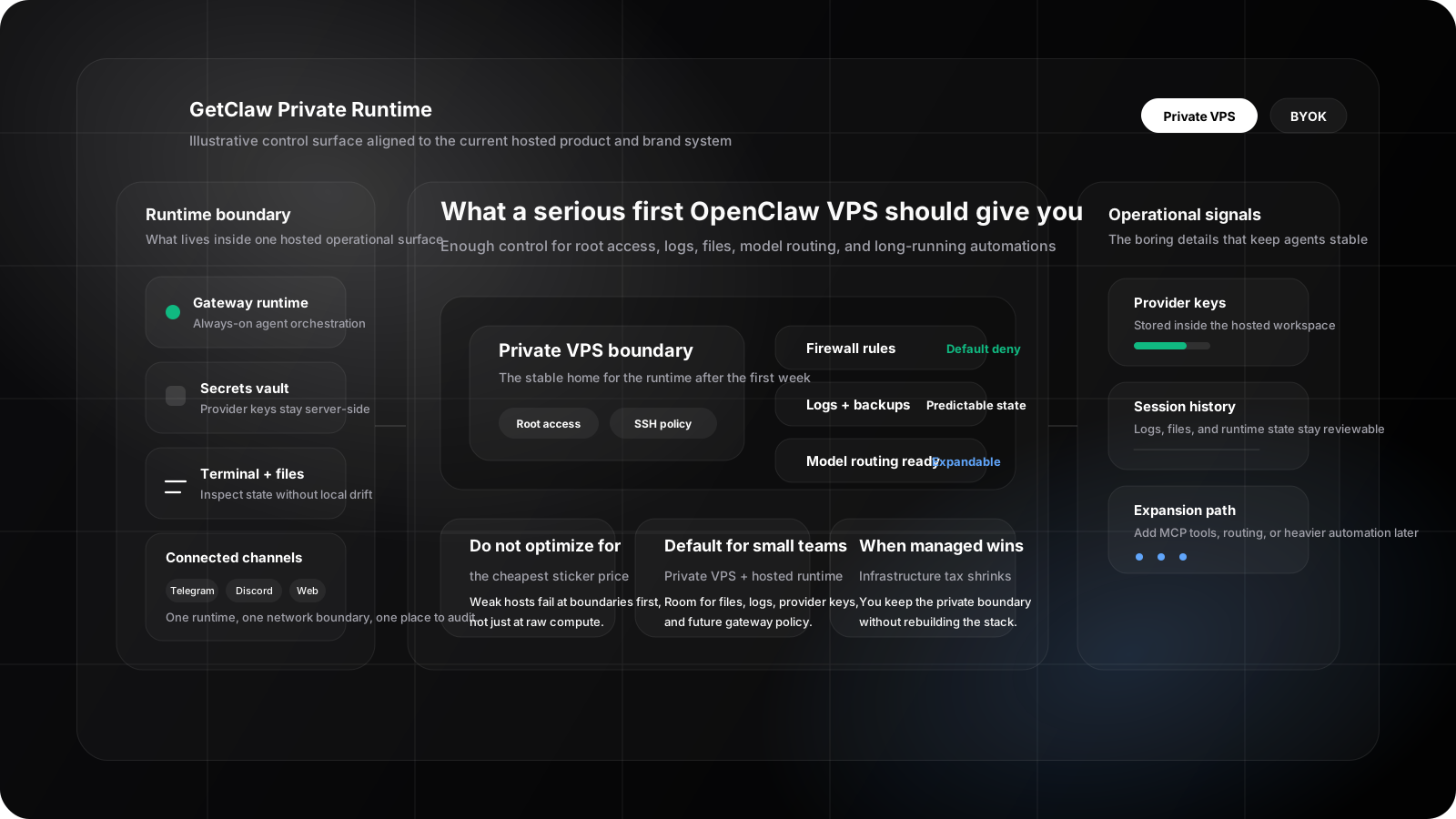
Illustrative control-surface render aligned with the current GetClaw brand and hosted runtime model: one private VPS boundary, one operator-facing surface, and room for keys, logs, files, and channels.
VPS sizing by workload
Start with the workload shape, then choose the host. Do not start with the smallest plan and hope the agent politely stays inside it.
| Workload | Good starting shape | Watch first |
|---|---|---|
| Hosted APIs only | modest CPU/RAM, enough disk for logs and files | secrets, restarts, gateway health |
| Multi-channel agent | more RAM headroom and predictable network policy | channel uptime, callback exposure, log growth |
| BYOK plus gateway routing | enough room for provider metadata and gateway state | key ownership, usage inspection, fallback behavior |
| Local model experiments | CPU/RAM or GPU matched to model size | memory pressure, latency, disk growth |
Lightweight workload
This fits hosted provider APIs, one or two integrations, and no local inference.
- one gateway runtime
- basic workspace files
- small log footprint
- minimal automation
Medium workload
This fits OpenClaw running continuously with real channels and team workflows.
- gateway plus logs
- multiple integrations
- BYOK across several providers
- cron jobs or background actions
- internal tools or MCP servers
Heavy workload
This fits teams adding more serious operator needs.
- multiple MCP servers
- browser or terminal-heavy tooling
- local gateways
- larger file flows
- local inference or split model infrastructure
At this point, the wrong VPS hurts stability first and speed second.
What breaks first on a weak VPS?
Teams often ask whether CPU is the main risk. Usually it is not.
-
No clean isolation
The agent shares space with unrelated workloads or a personal machine. -
No root-level control
You cannot properly install, repair, restart, or secure what the runtime needs. -
Poor storage behavior
Logs, uploads, caches, and generated outputs accumulate faster than expected. -
Messy network policy
SSH, dashboard access, and callbacks stay more exposed than they should. -
No expansion path
The host works for the first channel, but not for the second provider, gateway layer, or next tool.
That is why the best OpenClaw VPS decision usually comes down to control and room to grow, not headline specs.
Secure deployment checklist
Before you call a VPS "good enough," check these items:
- root or admin control is available
- SSH key auth is enabled
- password login is disabled
- firewall policy is explicit
- only required services are reachable
- provider keys live in server-side secrets, not local dotfiles
- workspace directories are intentionally scoped
- logs have a home and retention expectation
- the host has a backup or rebuild path
- model routing is documented if a second provider is likely
Hetzner's cloud server docs are a useful example of why this matters: server plans, primary IPs, firewalls, backups, and scaling choices are separate operational decisions, not one magic "VPS" checkbox (Hetzner server overview, Hetzner firewall FAQ).
What a safer OpenClaw deployment boundary looks like
User or channel
      |
      v
 OpenClaw gateway
      |
      v
Private VPS boundary
  |           |
  |           +--> provider APIs or private gateway
  |
  +--> scoped files, tools, logs, MCP servers
Keep the runtime, its keys, and its tools inside one controlled machine boundary. Once those pieces are scattered across a laptop, one-off scripts, and public callbacks, the setup gets harder to reason about fast.
When managed OpenClaw hosting is the better answer
If your real search intent is "I need an agent VPS, but I do not want to become the ops team," managed hosting is usually the better answer.
Use self-hosting when:
- you already operate servers confidently
- you want total package and service control
- you are comfortable debugging the gateway stack directly
- you want to tune every firewall, reverse proxy, and update decision yourself
Use managed hosting when:
- you want OpenClaw online quickly
- you want the private boundary without building the whole stack yourself
- you still care about BYOK and operational control
- you want hosted runtime, files, terminal, channels, and deployment surface in one place
That is the tradeoff behind managed OpenClaw hosting. You are not giving up every control. You are mostly cutting down the infrastructure setup tax.
Related deployment paths
If you are still choosing the path, these are the next useful pages:
- OpenClaw VPS hosting for the commercial landing page version of this decision
- How to Run OpenClaw on a Private VPS for the private server security checklist
- Understanding Multi-Model AI Gateways for BYOK, fallback, and model routing decisions
- Deploying DeepSeek R1 Locally if local model serving is part of the roadmap
- Free private AI assistant tool if you want to preview Chatbox, BYOK, files, skills, and Cron before choosing a VPS
- GetClaw pricing when the question has shifted from "can we self-host?" to "should we still own all of this?"
- What is OpenClaw? if you are still deciding whether the runtime fits your use case
- Deploy OpenClaw for the fastest setup path and how it compares with self-managing a server
- OpenClaw setup tutorial for install, onboarding, and the gateway check
- Cheapest VPS for OpenClaw when budget is the main constraint
Try the private assistant workflow before choosing a VPS
If you are still comparing a raw VPS with managed OpenClaw hosting, start with the free private AI assistant tool. It gives you a no-registration preview of the actual hosted workflow: Chatbox, BYOK, files, skills, scheduled Cron jobs, and the operational choices that matter once an agent leaves your laptop.
Use the tool before you buy infrastructure. It helps separate "I need a bigger VPS" from "I need a cleaner hosted assistant workflow."
FAQ
What is the best VPS for OpenClaw?
The best VPS for OpenClaw is a private Linux server with root access, SSH key authentication, firewall control, persistent storage, and an upgrade path for channels, logs, files, and model routing.
What is the best agent VPS setup for a small team?
For most small teams, the best agent VPS setup is a modest Linux server with SSH keys only, a default-deny firewall, persistent disk for files and logs, and enough RAM headroom for the OpenClaw gateway plus one round of future integrations.
Do you need a GPU VPS for OpenClaw?
Not if you are using hosted provider APIs. You only need GPU-oriented infrastructure when local model serving is part of the real plan.
Is the cheapest VPS good enough?
Sometimes for testing. Usually not for persistent AI agent workloads, because the first problems are often weak control, poor storage behavior, and no recovery path.
Is managed OpenClaw hosting still private?
It can be, if the environment is isolated and the workflow keeps keys, tools, files, and runtime state inside a private hosted workspace.
What should a buyer compare first?
Compare isolation, root access, firewall control, storage behavior, backup path, and future expandability before comparing small pricing differences.
Should you pick a raw VPS or managed hosting for AI agents?
Pick a raw VPS when you already operate Linux servers comfortably and want full control over services, updates, and network policy. Pick managed hosting when you want the private runtime boundary for AI agents without owning every deployment and recovery task yourself.
Sources and notes
Compare managed plans after you choose the right hosting boundary.
Use pricing to compare the faster managed path against doing the server work yourself, then keep the private VPS checklist close during rollout.
Not sure which path fits your deployment? Talk to us
Keep Reading
More posts from the same agent, infrastructure, and deployment cluster.
Cheapest VPS for OpenClaw (2026): What a Low Price Gets You
The cheapest VPS for OpenClaw: which specs still matter (root, SSH keys, firewall, disk), who a small box is enough for, and when cheap turns into a deferred ops bill.
How to Host OpenClaw on Hetzner for Solo Builders
A practical solo-builder guide to running OpenClaw on Hetzner with the right server shape, safer admin access, and a simple path to keeping it online.
OpenClaw Upgrade Guide: 2026.5.12 Stable vs 2026.5.16 Beta
A practical guide for choosing between OpenClaw 2026.5.12 stable and the 2026.5.16 beta releases, with test and rollback checklists for private deployments.